No flyer yet?
From flyer to invite page in 10 seconds
Turn any flyer, a few pasted details, or a link into one beautiful invite page with RSVP tracking.
No flyer yet?
Free to start · No account to preview · Guests RSVP in the browser

Turn any flyer, a few pasted details, or a link into one beautiful invite page with RSVP tracking.
Free to start · No account to preview · Guests RSVP in the browser
Turn any flyer, a few pasted details, or a link into one beautiful invite page with RSVP tracking.
No flyer yet?
Free to start · No account to preview · Guests RSVP in the browser
Turn any flyer, a few pasted details, or a link into one beautiful invite page with RSVP tracking.
Free to start · No account to preview · Guests RSVP in the browser
Turn any flyer, a few pasted details, or a link into one beautiful invite page with RSVP tracking.
No flyer yet?
Free to start · No account to preview · Guests RSVP in the browser

Turn any flyer, a few pasted details, or a link into one beautiful invite page with RSVP tracking.
Free to start · No account to preview · Guests RSVP in the browser
Turn any flyer, a few pasted details, or a link into one beautiful invite page with RSVP tracking.
No flyer yet?
Free to start · No account to preview · Guests RSVP in the browser
Turn any flyer, a few pasted details, or a link into one beautiful invite page with RSVP tracking.
Free to start · No account to preview · Guests RSVP in the browser
Turn any flyer, a few pasted details, or a link into one beautiful invite page with RSVP tracking.
No flyer yet?
Free to start · No account to preview · Guests RSVP in the browser
Turn any flyer, a few pasted details, or a link into one beautiful invite page with RSVP tracking.
Free to start · No account to preview · Guests RSVP in the browser
How it works
From a flyer, text, or link to a live invite in 10 seconds
Hosted by the Rivera family
Brunch, blooms & a gentle morning before the little one arrives.
Drop a flyer, paste the details, or a link — takes about 10 seconds.
Start here
Your invite page, 10 seconds from now
Drop a flyer, add any extra details or a link — Mint merges it all into one page you tweak and share.
Free to start · No account needed to preview
It's for your event
A design for every kind of celebration

Leo is One!
Sun, Aug 9 · 4 PM
The Planetarium

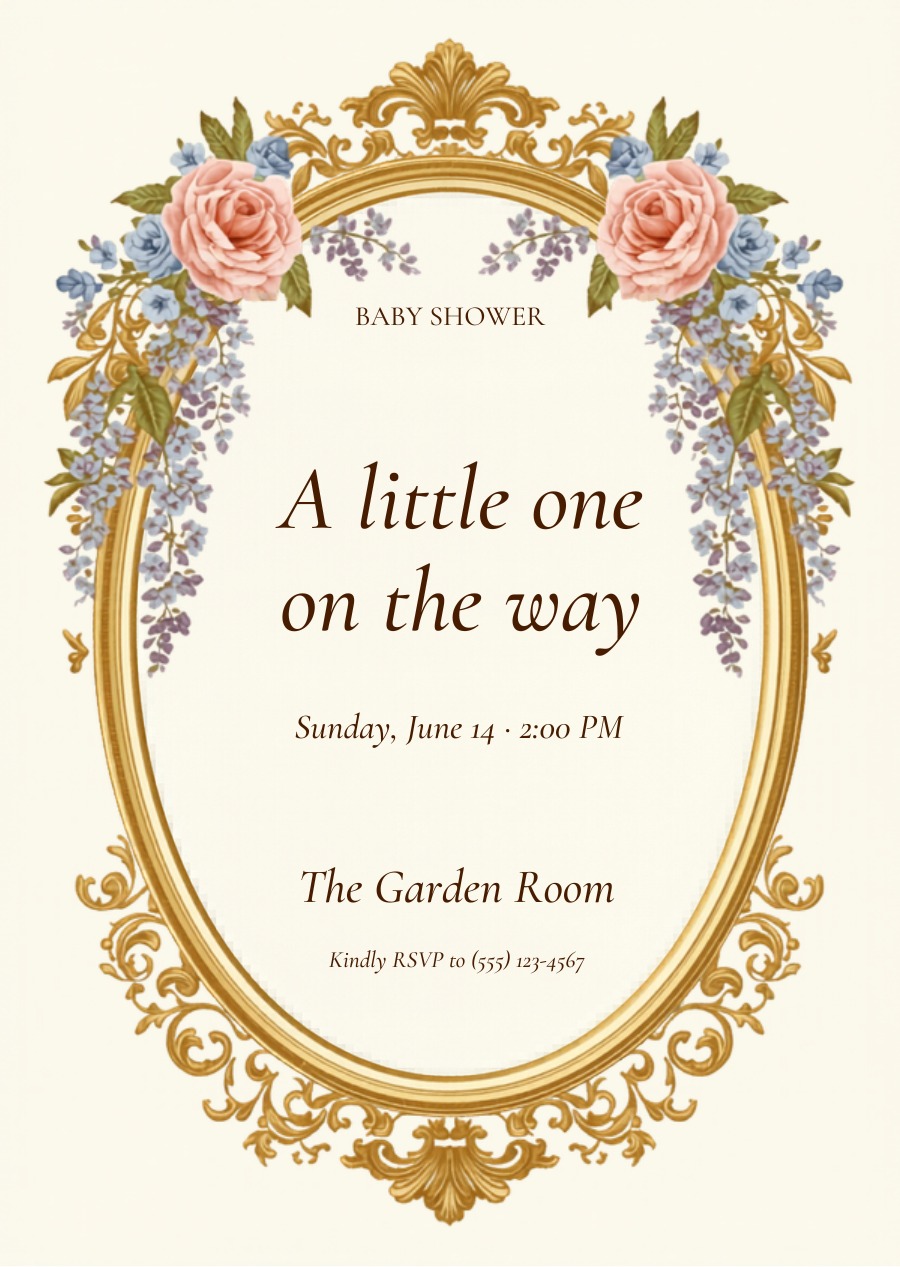
Baby shower
A Little One on the Way
Sunday, June 14 · 2 PM
The Garden Room

Let's celebrate
Jordan's 25th
Fri, Aug 8 · 8 PM
The Rooftop

Together with joy
Olivia & James
Sat, Sept 12 · 4 PM
Willowmere Gardens

You're invited
Princess Amara's 7th
Sun, Jun 22 · 2 PM
Rose Blossom Hall

You're invited
Class of 2026
Sat, June 13 · 6 PM
123 Maple Street

Splash Party!
Sat, Jul 12 · 2 PM
Community Pool

Please join us
40 & Fabulous
Sat, Sept 6 · 6 PM
The Ballroom
…and so much more
For you & your guests
Easy for guests. Effortless for you.
Guests reply in one tap — no app, no account. You watch every yes, maybe and +1 roll in.
📱 Your guests see — one-tap RSVP
Mia turns One!
📊 You see — every reply, tracked
Mia's 1st Birthday 🎈
Sun, Jun 22 · 11:00 AM · The Park Pavilion
Why Mint Invite
Real invites, real RSVPs, zero spreadsheets
Skip the design tools and the group-chat chaos.
What hosts are saying
“Adding all our Amazon registry links was so easy, and I could recolor everything to match our theme in seconds. My favorite part is watching everyone say yes and the RSVPs roll in.”
“It was so easy to just upload my flyer — and the RSVP page matched my concept: clean and modern.”
“Thanks to Mint Invite it was super easy to organize our baby shower! We went with a “Sweet as Hunny” theme, and all our guests loved the photo and comment wall on the page.”
Features
Everything you need
Powerful tools for every kind of event — from reminders to private RSVPs.
Reminders
Auto-nudge the no-shows & maybes a day or week before — we handle the timing.
Photo gallery
Guests add their photos to a shared album right after the event.
Comment wall
A public guestbook on the invite — well-wishes and excitement in one place.

QR + share
A print-ready QR code straight to your invite page for flyers and stories.
Private RSVP
Password-protect or keep it invite-only — you control who sees the guest list.
Full design control
Colors, fonts, layout, your brand — take the wheel whenever you want.
Good to know
FAQ
Mint Invite
Your invite is 10 seconds away
Drop a flyer, paste the details, or a link — and watch your page build itself.
Free to start · No credit card · No account to preview